

At NexRise Pro, we help businesses of all sizes tap into the explosive potential of TikTok Shop. If you’re ready to start selling on one of the fastest-growing e-commerce platforms, the first step is setting up your TikTok Shop Seller account.
In this blog, we’ll walk you through the TikTok Shop registration process, explain what documents you need, and show you how to set your shop up for success. Whether you’re a new seller or an established brand looking to expand, this guide is for you.
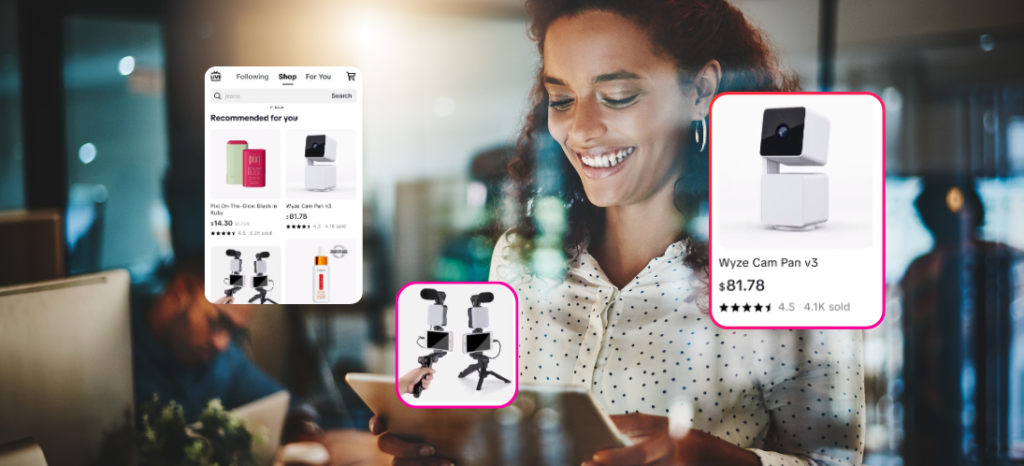
Why TikTok Shop? The Growth Potential is Massive
Before diving into the steps, let’s talk about why TikTok Shop is a game-changer for online sellers:
- Massive User Base: TikTok has over a billion users globally, and its Shop feature gives you access to a wide and engaged audience.
- High Purchase Intent: TikTok users love discovering and trying new products. With the right content and strategy, you can quickly build trust and drive repeat sales.
- All-in-One Shopping Experience: Users can discover, browse, purchase, and even ask questions – all without leaving the app.
At NexRisePro.com, we help sellers take full advantage of this ecosystem with professional store management, product listing optimization, and content strategies that convert.
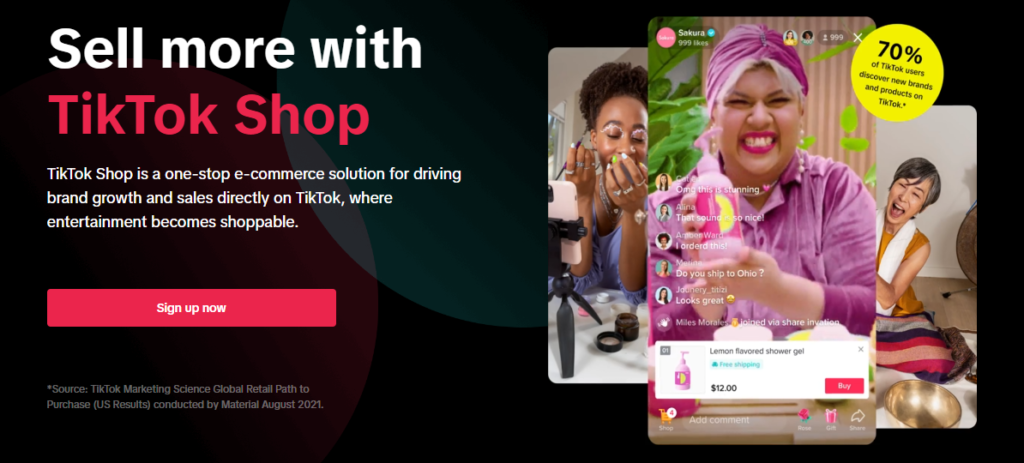
Upload Products to Your TikTok Shop
There are two ways to upload products:
- Manual Upload: Use the “Upload Now” button in the Seller Center.
- Bulk Upload: Use an Excel/CSV file for multiple products.
Ensure your product listings are complete with:
- High-quality images
- SEO-optimized product titles and descriptions
- Clear pricing and inventory
Our team at NexRise Pro specializes in product listing optimization, helping you rank better and increase conversions.